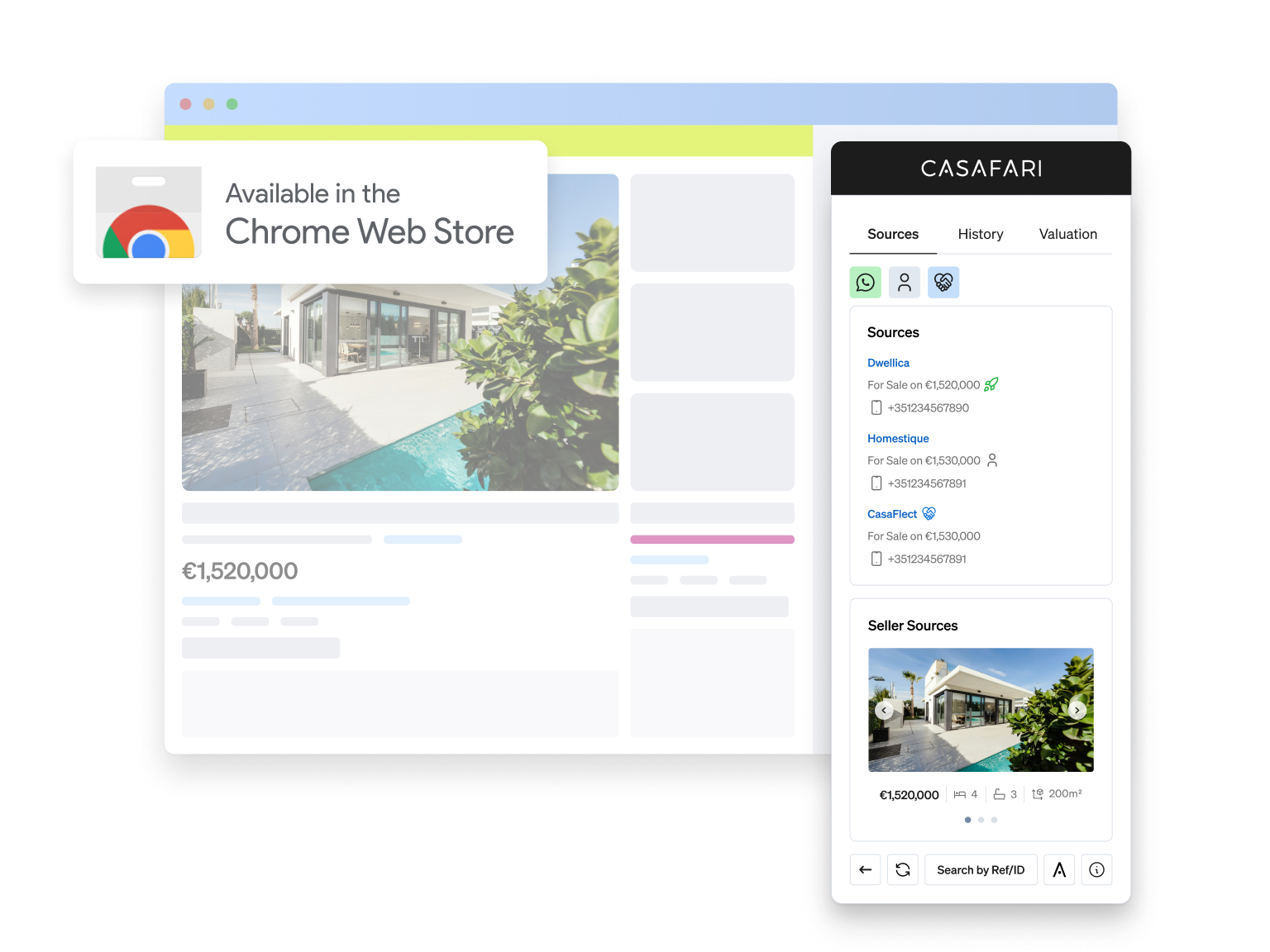
CASAFARI AI Chrome Extension, an enhanced way to browse for property
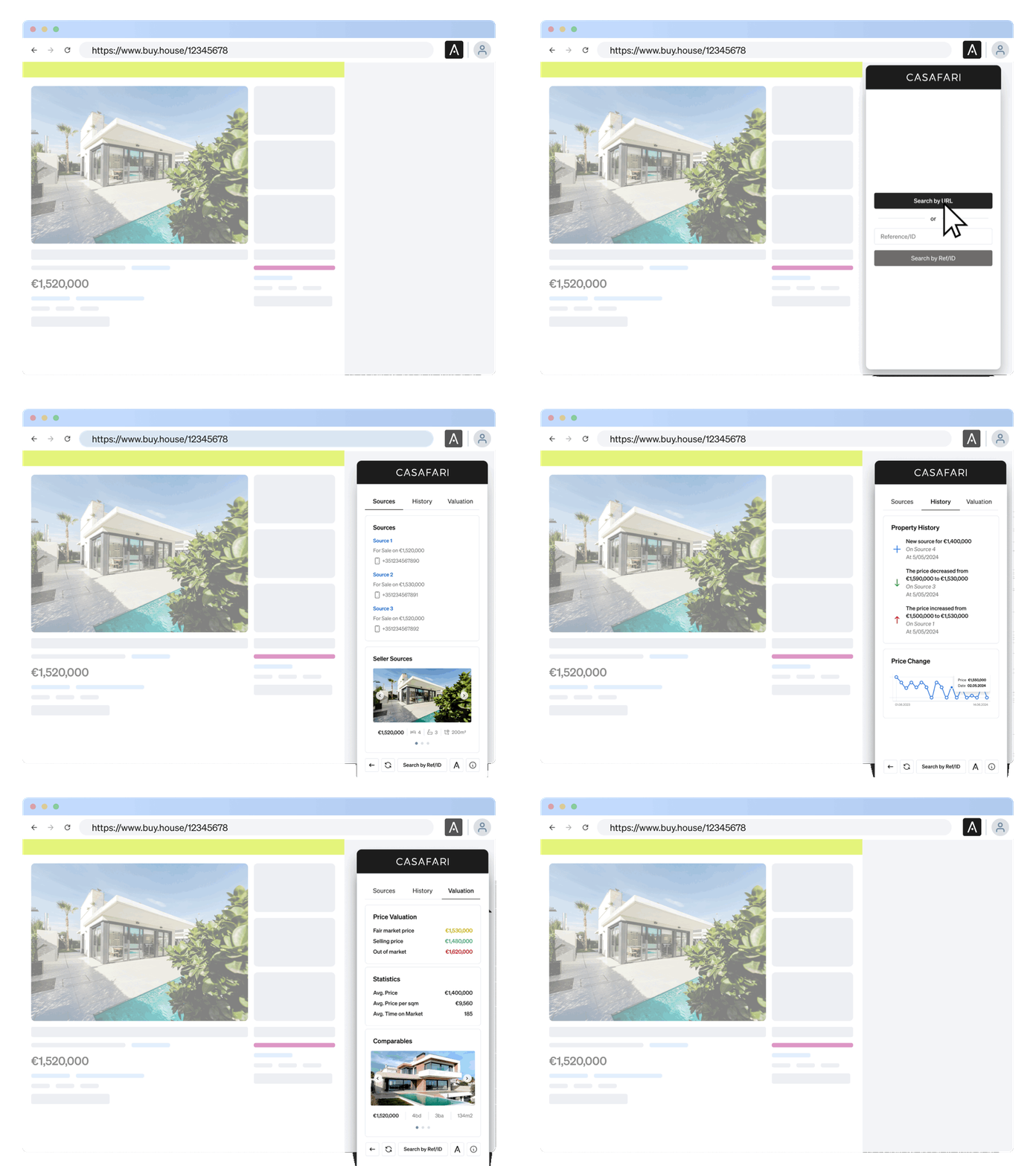
CASAFARI’s AI Chrome Extension transforms how professionals browse properties. Get real-time data from the largest real estate database in Europe directly on any listing page – no more switching tabs or searching multiple sources.
How to setup your CASAFARI AI Chrome Extension
Step 1
Open the CASAFARI AI and install the Chrome Extension to your browser.
For faster access to the data, pin the extension icon to your navigation bar.

Step 2
Click the icon of the extension and log in to CASAFARI.


How it works
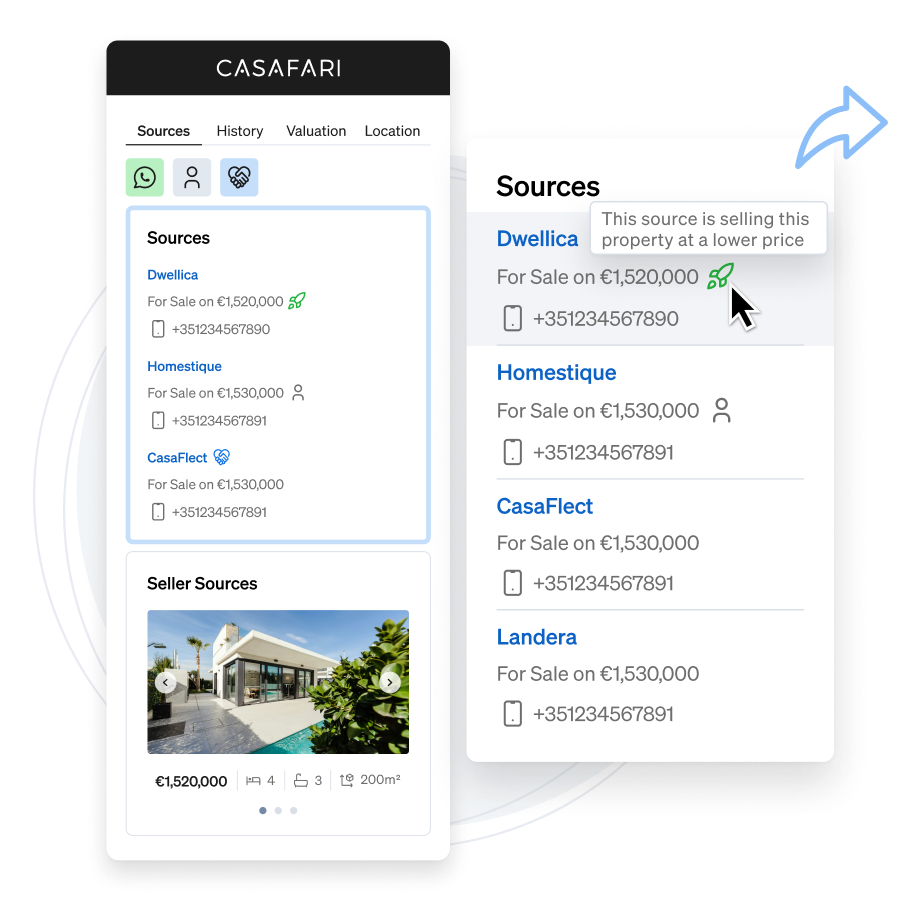
List of Sources
Find out all portals and websites in which a property was promoted and how much they are asking for.
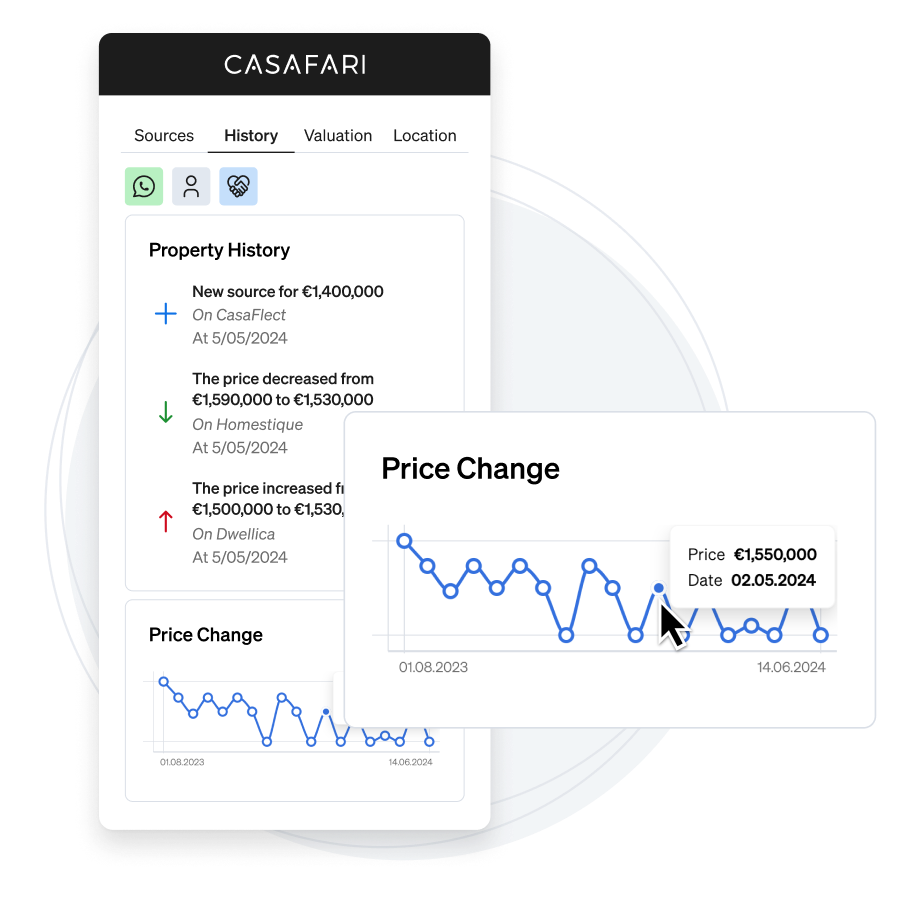
Property History and
Price Changes
When was a property listed in the past? For how much? With CASAFARI AI Chrome Extension, you know it all.
Know every property’s history like the back of your hand.
Price Valuation and Comparable Properties
Analyse the market value of an asset and which are the comparable properties available.
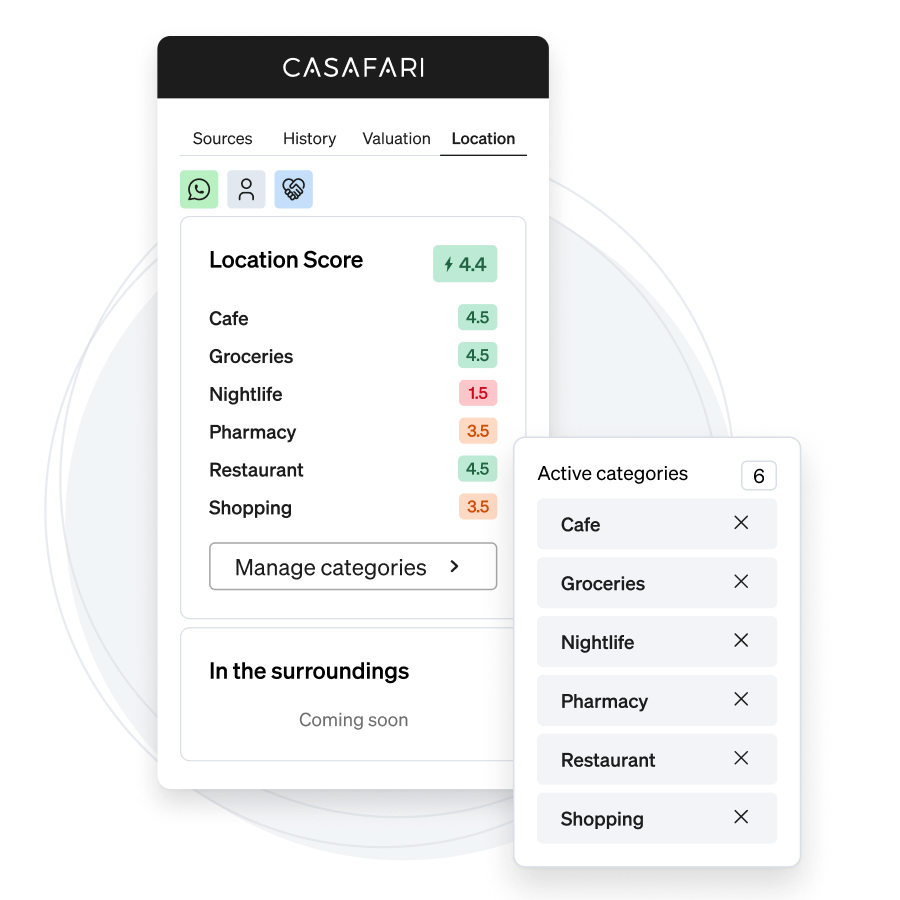
Location Score
Choose the categories that match your clients and see how interesting a location is to their lifestyle.