Access your Alerts from the vertical menu on the left by clicking on the bell icon.

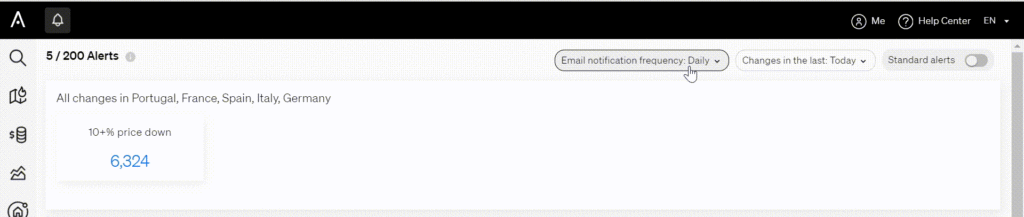
In the top right-hand corner, click on “Email notification frequency” and select the frequency that suits you best.
< 1 min read
Access your Alerts from the vertical menu on the left by clicking on the bell icon.
In the top right-hand corner, click on “Email notification frequency” and select the frequency that suits you best.
Powered by BetterDocs