
How do I sort search results?
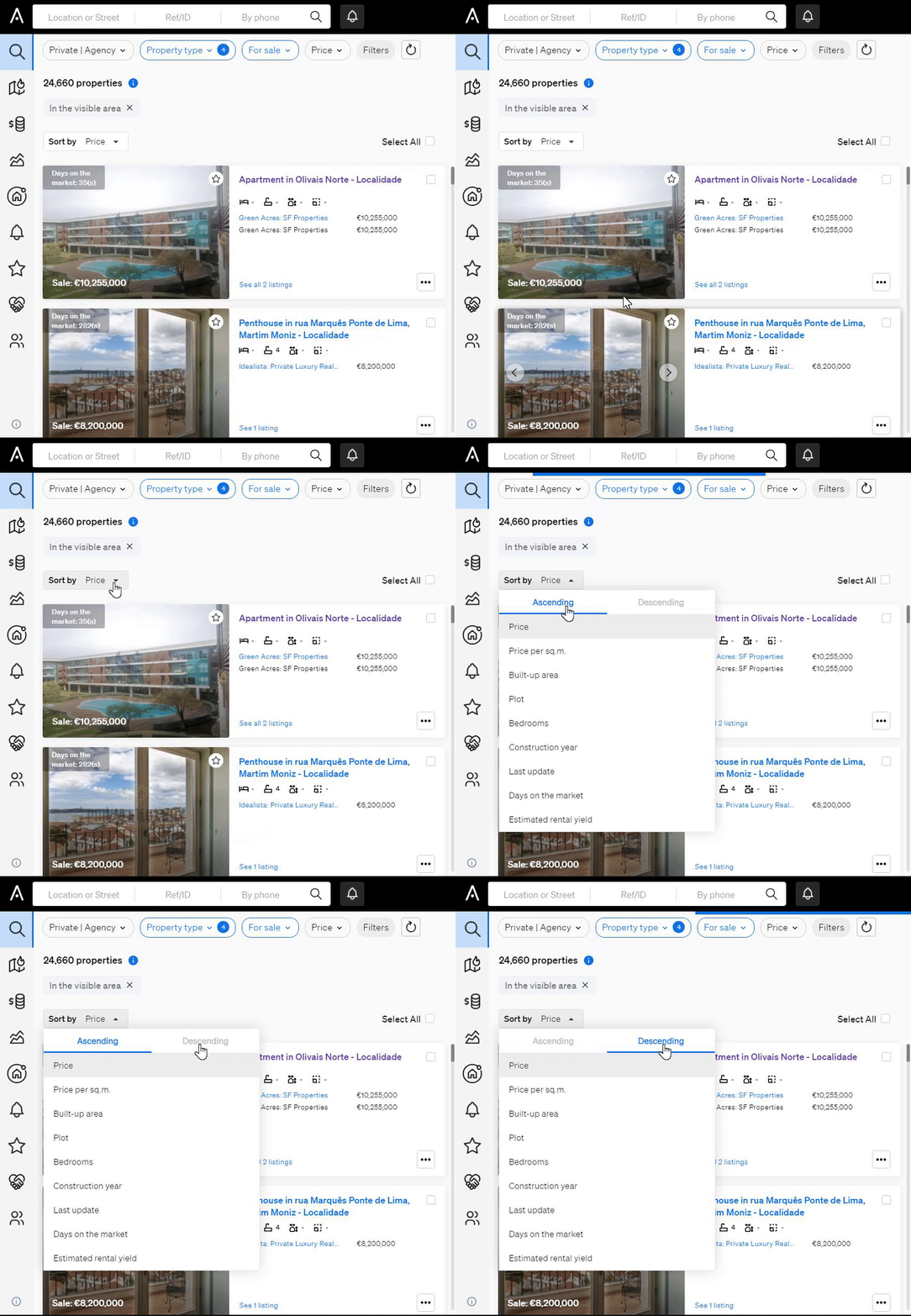
After you run a property search, click Sort by on the results list and choose how to order the properties. For example, sort by days on the market or Last updated to find properties that have been on the market for a long time.
- Perform your property search to get the list of results.
- Click Sort by.
- Select the option you want to sort by, for example days on the market or Last updated.
If you need help, contact support@casafari.com or go to Help Center > Contact Us in the platform.
Last updated: